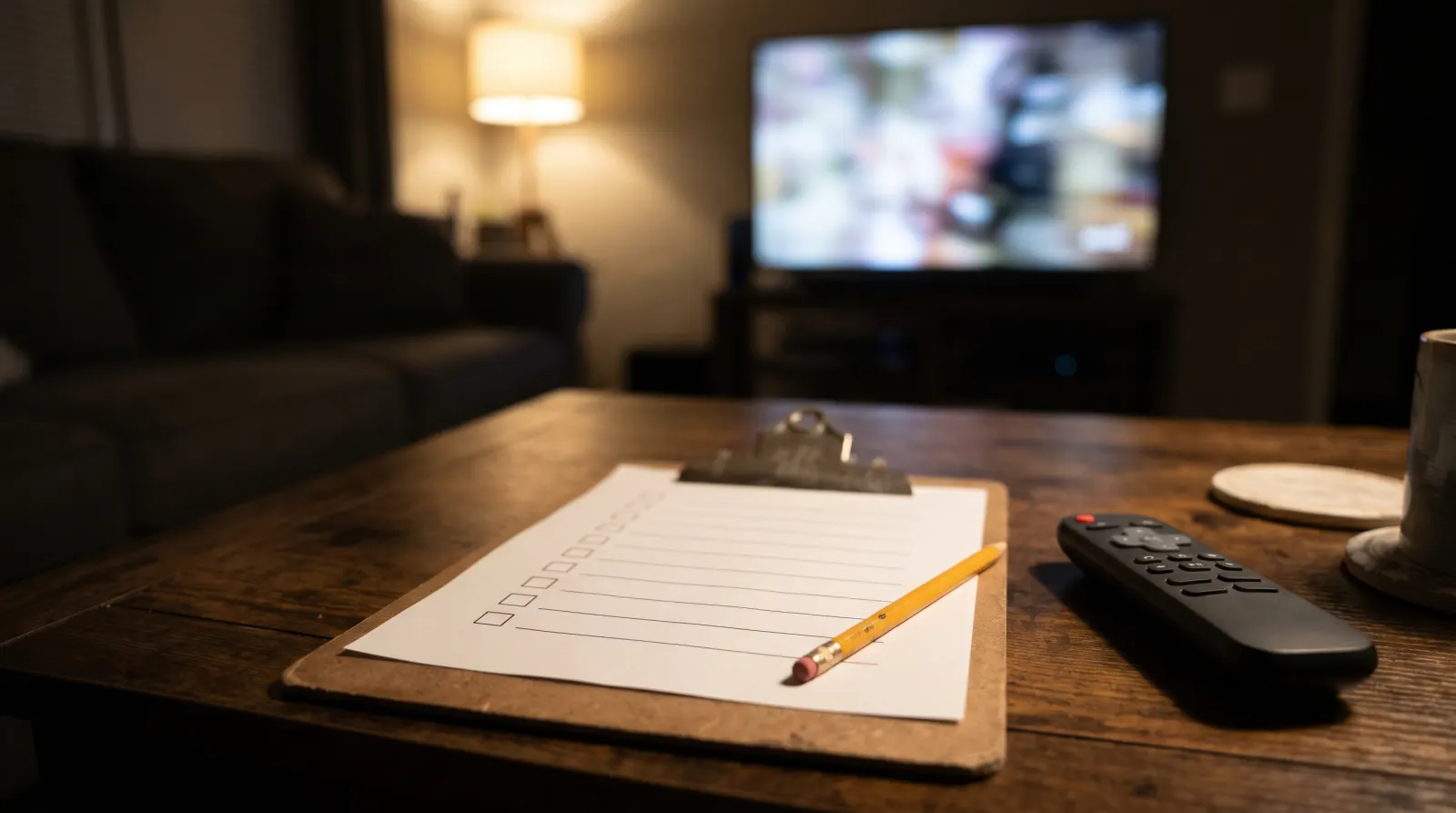
Use this IPTV trial checklist during the shows you would actually watch. Before access starts, write down the time zone, end time and player name. Then pick a local broadcast and a second program for comparison. The five boxes below mark what you tested, so you can tell the provider exactly what worked and what still needs a reply.
On this page 7 sections
Set the clock before starting the clock
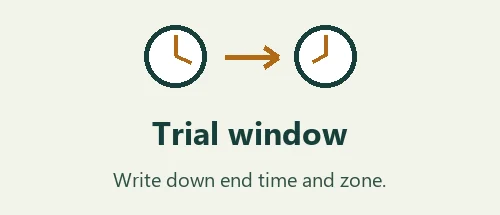
Get the trial’s start, end and time zone in writing. If the test ends before the show you want to watch, ask for a different window. Note the player name and the contact reference so a useful test does not turn into a lost login.
The five checks in your IPTV trial checklist
Keep the IPTV trial checklist open on your phone while you operate the TV with its remote. Record any failure alongside the box you checked.
Turn a failure into a useful report
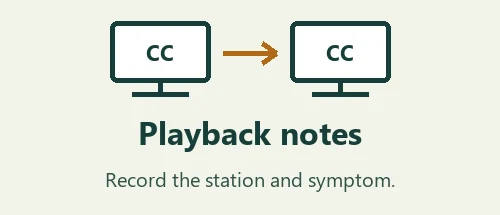
Keep the station, device, player and local time together. “Picture froze on station A at 8:12 p.m. Eastern; station B continued” helps separate a station problem from a whole-device problem. Leave passwords and playlist URLs out of screenshots.
Decide what the test actually showed
- The app starts, but your evening news never aired during the trial
- Mark the local-feed check as untested. Ask to confirm the feed or a more useful window before committing to a term.
- Guide data is one hour off, but the broadcast is correct
- Check the device clock and time zone. Note the program in the guide and the program on screen; a listing error and an incorrect feed need different fixes.
- Everything works on the phone, but you normally watch on TV
- Repeat the checks on the TV, using the same home connection and the remote you expect to use. Phone playback does not verify the TV player.
Use the IPTV trial checklist during a real program
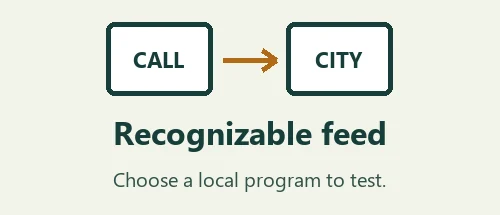
Choose your test window around a broadcast rather than an empty slot in your calendar. A national rerun at lunchtime might look identical across several local feeds. If the evening news matters to you, ask for a window that includes it. The local station guide explains which details identify the feed.
Leave automatic TV and player settings as they are for the first pass. If something fails, change one setting at a time and repeat the same test. Turning captions on, changing the time zone and reinstalling the app together makes it hard to tell which change helped. Note a program name and local time alongside the result.
A useful IPTV trial checklist separates an attempted test from a passed one. Use the boxes to remember which actions you tried. On paper or in your phone, mark the result as worked, failed or could not test. An unchecked sport or accessibility feature is a follow-up question, even if all the other stations opened quickly.
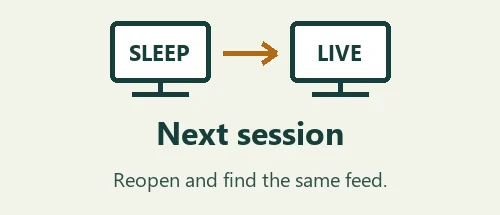
Leave the app the way you normally would at the end of the evening. After reopening it, try finding the same station without using the search history on your phone. Notice whether the player remembered its settings, whether the guide is current and how many remote presses it takes to get back to live viewing.
Before choosing a paid term, compare your notes with the trial terms and the device you tested. A successful test on one television only establishes what you saw there. If your household needs two simultaneous stations, test that separately with approval for two streams. Apple TV users can also consult Apple’s user guide for the controls on their remote.
An evening with the IPTV trial checklist
For a realistic example, imagine that you watch local news at seven and a captioned program later in the evening. Before the trial starts, ask whether its window covers both. Write the confirmed end time with the time zone next to it. If the window ends between the two programs, decide which matters most and which question will still need a reply.
When the news begins, note the local station identity and whatever city-specific segment you actually see. A national report may be shared by several stations, so wait for a local introduction or forecast before marking the feed as confirmed. On the same screen, compare the guide title with the program in progress. Write down both names if they disagree.
Switch to the second station with the remote and then return to the first. If the player pauses, note whether it recovered by itself, after changing channels, or only after restarting. These are different observations. Avoid changing the home network, app settings and stream at the same time. Otherwise a later successful test will not tell you which change mattered.
When the captioned program starts, turn captions on and read a short spoken segment. Note whether the text appears on time and remains visible when you return from the guide. If no caption option appears, write down the player and program rather than assuming every channel is affected. Then test one other program where you expect captions.
Use the IPTV trial checklist one more time after quitting the player. Ask a second person to reopen it and find the same station without your help. A setup that plays well but requires the first viewer’s phone at every launch may be inconvenient for a shared living room. Capture that in the decision alongside picture and sound.
At the end, keep three short lines: the features you saw working, the issues you reproduced, and the items you did not get a chance to test. Send only the unresolved observations with a device name and local time. That makes the reply easier to use when deciding whether to buy a term.
Questions before choosing a plan
How should I use a short trial window if only one feature matters?
Give that feature the first slot in your trial window. If the reason for trying the service is a specific local newscast, test during that newscast and leave general browsing for later. If captions are essential, choose a program that normally offers them and make the remote controls part of the test. A long list of stations opened at random can use up the entire trial window without answering your main question. Write your must-have item at the top of the notebook before you start.
Can I compare two services on the same evening?
Use the same TV, player where appropriate, home connection and station for each comparison. Note which app or profile belongs to which test so you do not accidentally reopen the first one and attribute its result to the second. Avoid running both streams at once unless both offers explicitly cover that use and you are actually testing simultaneous viewing. A useful comparison holds the viewing setup steady and records how each service behaves under the conditions you expect at home.
What is a useful way to describe buffering?
Record the clock time, station and what you saw immediately before the interruption. Did the sound continue after the picture stopped? Did changing to another channel work while the original one was still unavailable? Did the problem clear by itself? If other people were using the connection, include that as context without guessing that it caused the failure. Never send playlist URLs or screenshots of filled-in account fields with a playback report. Support needs the observation and a way to reproduce it.
How do I check accessibility with the person who uses it?
Ask the viewer to carry out their usual task from the couch. They might need to turn on captions, follow the selected guide row or find the same station again the next day. Let them use their own remote and usual seating position. Record where the process became difficult even if the video played normally. Menu readability and program accessibility are separate questions. A yes to one of them does not settle the other, and a single program without captions is not enough to judge the whole player.
What do I do with a test I could not complete?
Write “untested” next to the reason: the program did not air during the trial window, the right TV was unavailable or a login arrived after the show started. Ask whether the provider can confirm that one item in writing or offer a suitable time to check it. When you review the IPTV trial checklist, give an untested essential feature more weight than a dozen optional channels that started successfully. That keeps the eventual buying decision tied to the household’s actual viewing need.