Devices
 Fire TVIPTV on Fire TV Stick: check your model firstMatch the stick’s operating system to the player before installing anything.
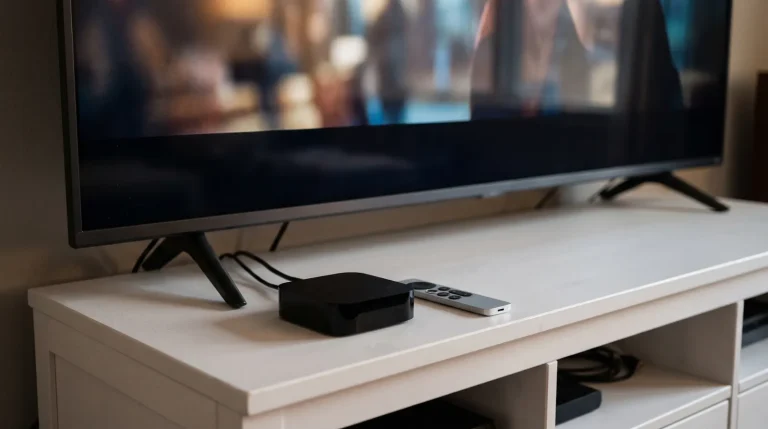 Apple TVIPTV on Apple TV: test the box, not just the appTell an Apple TV box apart from the Apple TV app, then try the remote and captions.
 Samsung TVIPTV on Samsung Smart TV: find the right playerCheck the TV model, find the named player in Samsung Apps, and test the guide with your remote.
 LG webOSIPTV on LG webOS TV: check the app on your setFind the player in Apps or LG Content Store, then check guide navigation and playback on your TV.
 Google TVIPTV on Google TV: install and test a TV playerFind a TV-compatible player, check the login format and test playback without relying on phone casting.
 Viewing guideIPTV on iPhone and iPad: set up a player and AirPlay to your TVInstall a player from the App Store, sign in with Xtream Codes or M3U, and send live TV to your television with AirPlay.
Player apps
 TiviMateTiviMate setup: add your IPTV login and TV guideInstall TiviMate on Android TV, Google TV or Fire TV, add an Xtream Codes or M3U login, load the TV guide and fix common errors.
 IPTV Smarters ProIPTV Smarters Pro: install, log in and load the guideGet IPTV Smarters Pro on iPhone, iPad, Apple TV or Android, log in with Xtream Codes or M3U, load the guide and fix common errors.