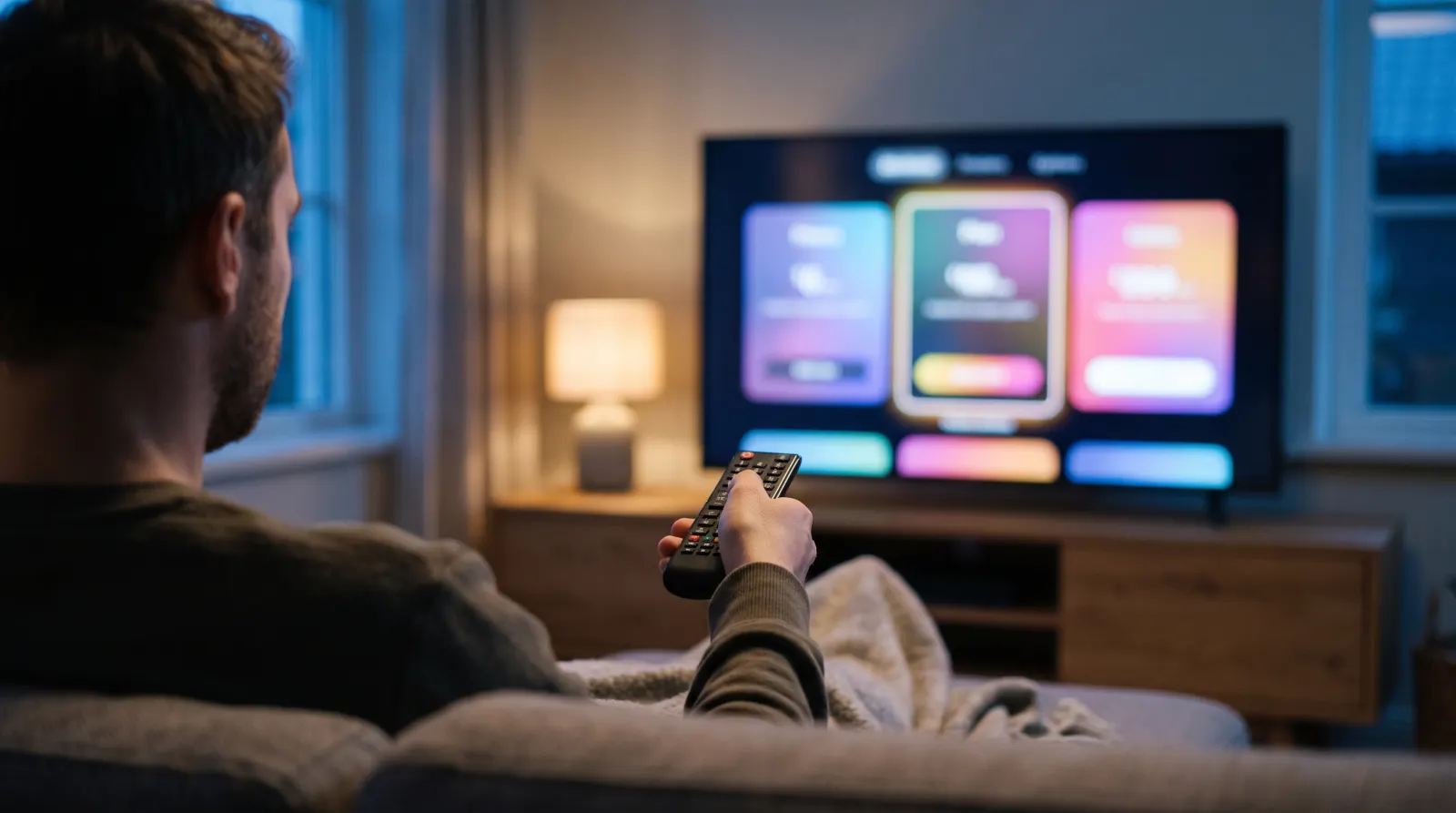
Type “best IPTV USA” into Google and you get page after page of top-10 lists. Most of them rank providers by the size of the channel list, and most are paid placements. This guide takes a different approach: seven checks you can run yourself, on your own TV, before you hand over any money. They work for any provider, including us.
Why “best IPTV USA” lists mislead
A top-10 list cannot test a service on your TV, in your ZIP code, on your Wi-Fi, at 9 p.m. on a game night. Those four things decide whether IPTV works for you. A list can only compare what providers claim, and the claims are easy to inflate: “20,000 channels” usually counts every regional and foreign duplicate, and “99.9% uptime” is rarely measured by anyone outside the company.
Many of the lists you see on forums, slide-sharing sites and blogging platforms are written by the providers they recommend. That is not illegal, but it means the ranking tells you who paid for the post, not who streams best. The checks below replace the list with evidence you collect yourself.
The seven checks for choosing an IPTV provider
1. A free trial on your own device, with no card
The single most useful test. A trial on your own TV and network shows you picture quality, channel switching speed and buffering at the hours you actually watch. Be wary of “trials” that need a card and roll into a paid plan unless you cancel. A good trial ends by itself.
What to look for: at least 24 hours, no card, no automatic renewal, one evening of prime time included.
2. Your local station, confirmed for your ZIP code
Local news and network affiliates are why most US households keep cable. Availability varies by market. Instead of trusting a channel list, ask the provider whether the specific feed you watch is available for your ZIP code, then check it on screen during your trial. Our local channels guide shows how to confirm you are watching the right affiliate.
3. Prime-time stability on your own network
Buffering almost always shows up between 8 and 11 p.m., when both your home network and the provider’s servers are busiest. Watch a live broadcast for at least twenty minutes during that window, switch channels a few times and check that the TV guide time matches the picture.
4. Clear prices for extra screens
A screen is a stream playing at the same moment. Two people watching two TVs at once need a two-screen plan. Some providers hide extra screens behind a quote or a checkout page. Look for a price you can see before you start an order.
5. A written refund window
Read the refund rule before you pay: how many days you have, from when, and how to ask. “Money-back guarantee” badges mean little without written terms behind them. If the terms are missing or vague, assume you will not get a refund.
6. No contract and no surprise renewals
IPTV should be easier to leave than cable. Prefer plans paid once per term that you renew only if you choose to. If a plan renews automatically, find out how to stop it before you pay.
7. Support that answers before you pay
Send one specific question before you subscribe, for example which player fits your TV model or whether a station is available in your ZIP code. How fast and how precisely they answer tells you how support will work when something breaks.
IPTV, cable or a live TV streaming service?
Before comparing IPTV providers, it helps to know where IPTV sits next to the other ways Americans watch live TV. Each option has a real strength and a real weakness.
| IPTV subscription | Live TV streaming service | Cable or satellite | |
|---|---|---|---|
| How it arrives | Player app with your login | The service’s own app | Box and cable or dish |
| Contract | Usually none; pay per term | Monthly, cancel anytime | Often 12–24 months |
| Price level | Lowest | Middle | Highest with box fees |
| Devices | Most TVs, sticks and phones, via a player | Devices the service supports | A box per TV |
| Depends on internet | Yes | Yes | No |
| What to check | Trial, station check, refund terms | Your local channels and sports | Total bill after promotions |
If you already pay for a live TV streaming service and it carries everything you watch, an IPTV subscription may not add much. If your bill keeps rising, or you want TV on a second set without another box, IPTV is worth a test.
Check your device and player before you buy
An IPTV subscription plays inside a player app, and not every player runs on every TV. Before paying any provider, find out three things:
- Which player they recommend for your exact TV. Fire TV and Google TV sets have the widest choice, including TiviMate. Phones, tablets and Apple TV commonly use IPTV Smarters Pro. Samsung and LG TVs have their own app stores with a shorter list.
- Whether the player costs extra. Some players charge a license fee to their developer. It is separate from the IPTV plan, and a good provider tells you before you subscribe.
- How you sign in. An Xtream Codes login loads the TV guide automatically. An M3U link may need a separate guide link.
Our setup guides cover each common device step by step, so you can check before you start a trial.
How to run a prime-time test, step by step
The single most revealing test takes about forty minutes on a weekday evening. Do it during any free trial:
- 8:30 p.m. Start on your local station. Compare the newscast or the program with what you expect for your market. Check that the guide shows the right show at the right time.
- 8:40 p.m. Switch channels ten times. Count roughly how long each switch takes. Under three seconds feels normal; over ten gets tiring.
- 8:50 p.m. Watch twenty minutes of a live game or event. Note any freeze, drop in picture quality or audio out of sync.
- 9:10 p.m. Close the player and reopen it. Your channels should come back without logging in again.
- 9:15 p.m. Send support a question. Time how long the answer takes and whether it actually answers you.
Write the results down. Our printable trial checklist has a box for each step.
Questions to ask any IPTV provider before paying
- Is there a free trial on my own device, and does it need a card?
- Can you confirm my local station for my ZIP code?
- What is the full price for two or three simultaneous screens?
- How many days do I have to ask for a refund, and how is it paid back?
- Does my plan renew automatically?
- Which player do you recommend for my TV, and does it cost extra?
- Do you have the rights to the channels you stream?
A provider that answers all seven clearly, in writing, before you pay is already ahead of most of the names on the top-10 lists.
What an IPTV subscription should cost in the USA
In November 2026, one-screen plans from US-focused IPTV providers mostly cost $11 to $15 for one month and $60 to $110 for twelve months. Prices well below that range, and especially “lifetime” plans, deserve extra questions: a service that sells unlimited years for a single small payment has little reason to keep you happy next year.
| Term (1 screen) | Typical US range | IPTV America Plus |
|---|---|---|
| 1 month | $11 – $15 | $13 |
| 3 months | $24 – $50 | $28 |
| 6 months | $39 – $60 | $48 |
| 12 months | $60 – $110 | $70 |
Typical range based on published prices of US-focused IPTV providers checked on 10 November 2026.
Red flags when buying IPTV
- Gift cards as the main payment method. Gift card payments are hard to dispute or refund.
- Impossible numbers. Satisfaction rates above 100%, millions of customers for a site that launched last year, or channel counts that change between pages.
- Reviews with stock photos. If the testimonial photos appear on free stock-image sites, the reviews are not real.
- No terms page. No written refund rule, no privacy policy and no way to identify who runs the service.
- Lifetime plans. One payment for unlimited years is rarely kept up.
- Channel logos everywhere. Large network and league logos do not tell you whether a provider has the rights to show that content. Ask.
How IPTV America Plus measures up
We wrote these checks so you can apply them to us too. Here is where we stand:
| Check | IPTV America Plus |
|---|---|
| Free trial | 24 hours on one screen, no card, ends by itself |
| Local station | Station check by call sign and ZIP code before you pay |
| Prime-time test | Trial covers a full evening on your own network |
| Extra screens | 2 and 3 screens priced on the plans page; 4+ by quote |
| Refunds | 3 days from payment, written in the order terms |
| Contract | None; every term is paid once, no auto-renewal |
| Support | WhatsApp and email, before and after you subscribe |
Run the checks with a free trial ↗
Best IPTV USA: questions
What is the best IPTV service in the USA?
There is no single best service for everyone. The best one for you plays your local stations and live events smoothly on your own TV and network. Test that with a free trial before paying.
How do I know if an IPTV provider is reliable?
Test during prime time, read the written refund terms, check how support answers a question before you pay and avoid gift-card-only payment.
Are “best IPTV” lists on forums and blogs trustworthy?
Many are written or paid for by the providers they rank. Use them to find names, then run your own trial.
How much should I pay for IPTV in the USA?
Most one-screen plans cost $11 to $15 a month or $60 to $110 a year. Be careful with much lower prices and lifetime plans.
Is IPTV legal in the USA?
IPTV is a legal way to deliver TV over the internet. Whether a particular service is legal depends on whether it has the rights to the channels it streams. Ask any provider before you subscribe.
What do I need to start?
A compatible device such as a Fire TV Stick, smart TV or Apple TV, an IPTV player app and a stable connection of about 15 to 25 Mbps for HD.
Next: compare our plans, check a local station or print the trial checklist.