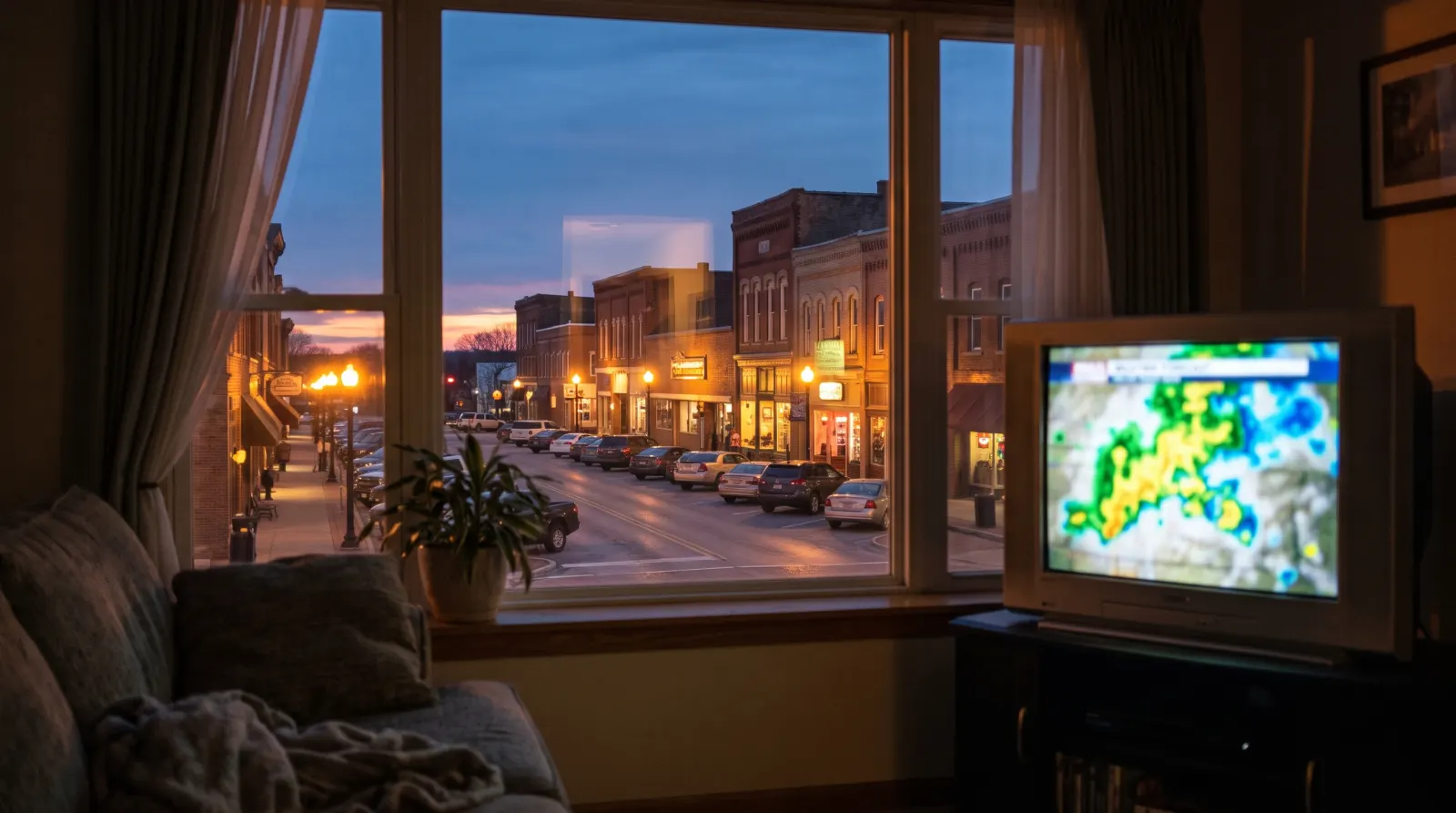
Checking IPTV local channels starts with one question: which station do you expect to see from your couch? Pick a program that identifies the city, such as the local forecast or evening news. A network logo on its own can look right even when the feed comes from another market.
On this page 7 sections
A network logo is not a local lineup
If you want the late news for your city, a national channel name leaves part of the question unanswered. Start with the station’s call sign or local on-screen identity, your ZIP code, and the program you expect to see. For a sports event, add its date and local start time.
What a useful answer looks like
Ask the provider to identify the exact feed, not just confirm a logo. If only a different city or time-zone feed is available, decide whether it solves your viewing need. Ask separately about captions and guide listings; they are different features from live video.
Verifying IPTV local channels on your own TV
When someone confirms IPTV local channels by network name alone, reply with the call sign of the station you mean.
During a trial, tune in while the local program is on and check the station identifier or local segment. A national program may look identical across multiple markets, so it is a poor test of which local feed you received. If the guide and picture disagree, note both program names and your local time.
Read the result: correct city, correct program, correct time
- The national program matches but the city is unclear
- Wait for the local station ID, weather segment or local newscast. The same national show can run on several affiliates at once.
- The picture is correct, but the guide lists a different show
- Note what the guide says, what you saw, the station and your time zone. Ask for a guide-data check before reporting the entire feed as unavailable.
- You need one particular game
- Name the teams, event date, start time and your ZIP. Ask about that event in your area; the mere presence of a sports channel does not confirm the game.
How to confirm IPTV local channels during a trial
Start with information from the station itself. Find its published schedule, local news branding or call sign and write it down exactly. If you need help distinguishing nearby broadcast stations, the FCC reception map can help identify over-the-air signals in an area. Its listings do not establish what an IPTV subscription carries.
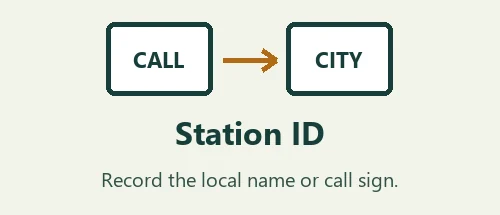
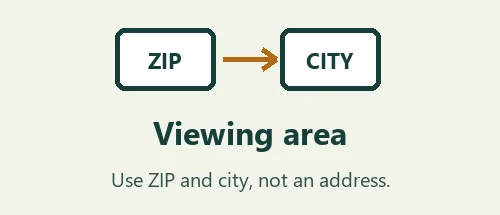
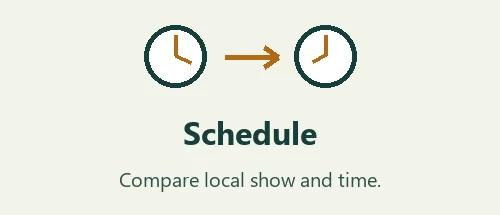
In your request, put the station identity first, then the five-digit ZIP and the program you want to see. A ZIP can start with zero, so copy all five digits. If your home is close to two markets, explain which city’s coverage matters. This is especially useful when both stations carry the same network logo and morning schedule.
During the trial, compare the picture with the station’s own local schedule. Wait for a city-specific segment, weather map or local station ID. If you are testing IPTV local channels while the network airs a national program, note that the city is still unverified. Save the local time for a later check rather than guessing from the logo.
If the guide lists the right program but the picture shows something else, write them down separately. If the picture is right but appears an hour away from the listing, check the device time zone before reporting the guide. This gives support a way to investigate a feed mismatch and a clock problem independently.
For a game, provide the teams, date and advertised local start time. Ask for confirmation of that event at your viewing location. Keep the written reply with the notes from your trial. When asking about captions, name a particular newscast or sports program so the answer can be checked against the broadcast.
A worked example for IPTV local channels
Imagine that two stations in neighboring cities both carry the same network and air the same national show at eight. You tune in at eight and see the expected show. That answers the question about the program, but it leaves the identity of the local feed open. Pick a later local newscast or local segment that makes the two stations easier to tell apart.
Before the local segment starts, write down the program title and time from the station’s own schedule. Record the station name used on air, its call sign if you know it, and your viewing ZIP. The city of a local newsroom and the postal address of a viewer do not have to match. Explain which city’s reporting you actually want.
When the program begins, compare three things separately. What is on the screen? What does the player’s guide call it? Which city, call sign or other station identifier appears during the broadcast? If the picture is local but the guide lists the national show, report the listing and picture separately. If the guide looks right but the local forecast belongs to a different city, keep that observation too.
The same method works for a game with one extra step. Name the specific event and date before asking about access. A network that carries one game on a given weekend may show something else in a different viewing area or time slot. Keep the answer tied to that game. You can ask about future events separately instead of assuming a single example covers the whole season.
When evaluating IPTV local channels, write a concise follow-up in your own words. For example: “I asked for the evening news for my city. The guide listed the right title at seven Eastern. The broadcast showed weather for another city. Can you confirm the station feed?” Include the ZIP and station privately, without giving a street address.
If you receive a new feed to test, repeat the comparison at another identifiable local segment. Mark the date of the result. That gives you a record of what you actually observed on your equipment and avoids treating a station name in a menu as a permanent coverage promise.
Questions before choosing a plan
What helps if I do not know the station’s call sign?
Start with information you can recognize without guessing. Write down the city, local news brand, a familiar program and its usual time. Look at the station’s own schedule or its on-air identification when it is available. If nearby stations share a network, tell support which local newsroom or weather area you mean. A channel number on a previous cable service may be useful background, but it does not uniquely identify a feed on another service. The local station identity is the detail you want confirmed.
Can two people in the same ZIP expect the same app result?
A ZIP helps identify the requested viewing area. What actually appears also depends on the feed offered and what the player displays. If two viewers receive different results, compare the station label, the program on screen and the time on each device. Check whether the devices use the same account setup and guide time zone. Do not share logins to perform the comparison. Each viewer can describe their own screen and ask the provider to explain a difference in local station identity.
What if a station changes its schedule for a special event?
Separate a one-off schedule change from a wrong feed. Check the station’s latest local schedule or on-air announcement and note the date. If the station identifies itself correctly but a regular program is interrupted, that may still be the intended feed. If the identifier belongs to a different city, say so regardless of the schedule change. For a request about a specific event, add the advertised start time and a second identifying detail such as the teams or name of the local broadcast.
How can I keep a useful record without saving private account information?
Write a narrow observation in a note on your phone: date, time zone, station identifier, program in the guide and program on screen. If you need a visual reference, capture only the station identity or the guide title. Crop the player profile, QR codes and playlist addresses out of any shared image. Keep the original provider reply beside your observation. When you ask for a correction, you can explain the precise difference between the confirmed local station and the feed that appeared.
How often should I repeat the check?
Repeat it when the answer matters for a different program, a new device or a move to another area. A working local newscast last week establishes what you observed at that time. It is weaker evidence for a future sports event or for another viewing location. For IPTV local channels, a useful follow-up is specific: same ZIP, same player, same station, new event and date. That gives the provider a concrete question and makes it clear which parts of the earlier confirmation are still relevant.